Run your whole Turo operation from one place
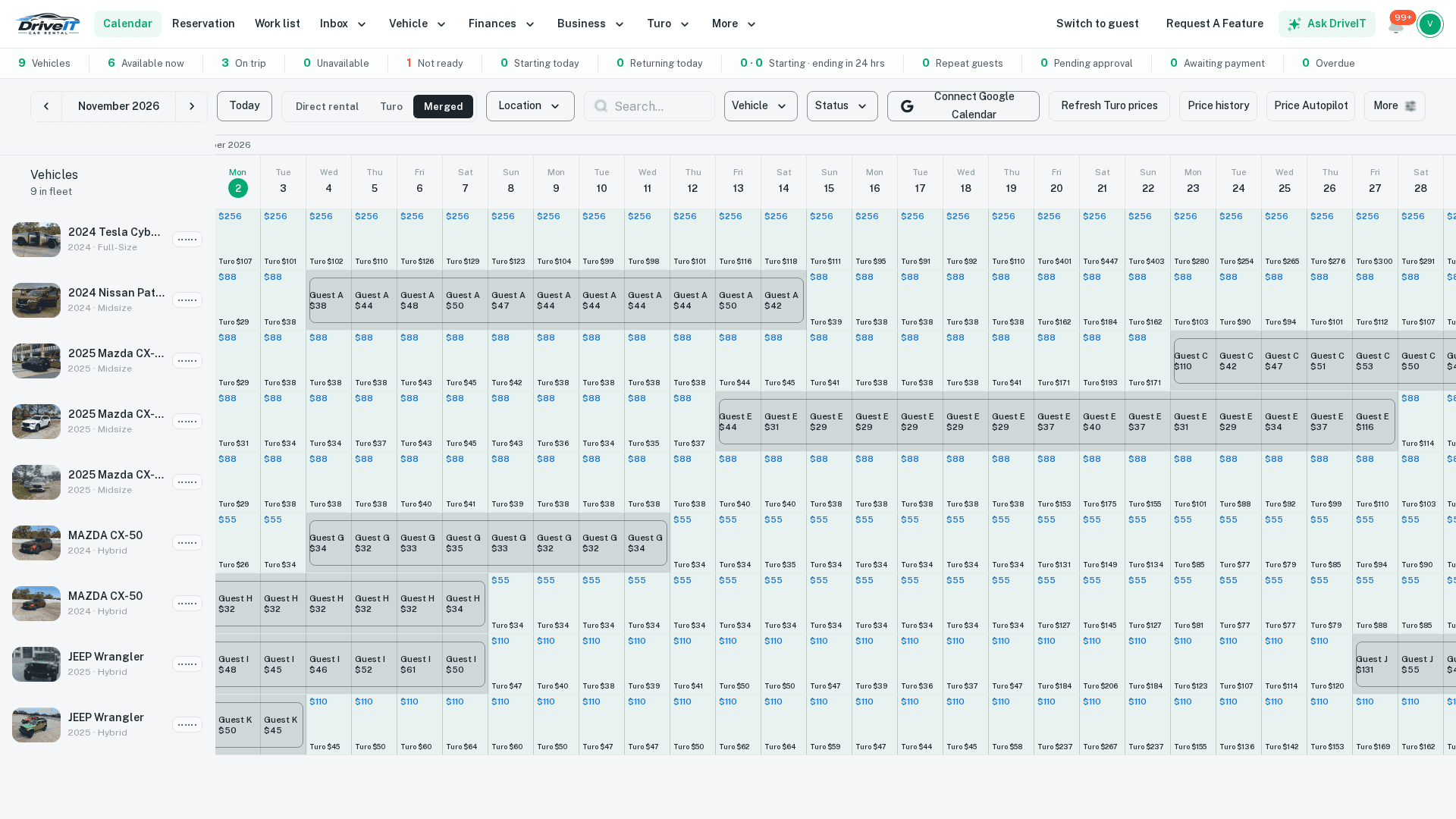
Management software for your Turo business: calendar, reservations, Turo check-ins and check-outs, tolls and tickets, reviews, customers, fleet status and profit per car, in one login. Every tool is free for the rest of 2026.
See what DriveIt does for Turo hosts
Everything you need to run on Turo
Built for hosts running a handful of cars up to a small fleet. See how the tools fit together day to day, or the full list.
Trips on Turo
- One calendar and reservation list
- Every trip with the guest, the car and its status, with badges for repeat guests, cars that aren't ready and early check-outs.
- Check-in and check-out
- File Turo's readings from DriveIt, filled in from the car's tracker, or from a walk-around video.
- Extra miles and late returns
- See the miles over, post the charge to Turo, and report a late return with the car's position checked.
- Parking location
- Post where the car is and how the guest gets the keys, remembered per car for next time.
- License review
- Check the guest's license against what Turo verified, then approve or ask for new photos.
Money
- Price Autopilot
- Rules that re-apply your Turo prices on a schedule: Turo's dynamic price plus or minus, fixed event prices, last-minute and far-out tiers, a lowest price. Preview every car and day first; rules start off.
- Tolls and tickets
- Upload a notice, AI matches it to the trip, and you post it to Turo with the notice attached.
- Profit per car
- Income, expenses, utilization, cost per mile and return, from Turo's emails and CSVs and your bank.
- Turo vs. bank
- Check what Turo says it paid against what reached your account.
- Bookkeeping
- Split bank transactions across cars, pay vendors by card, and sync with QuickBooks Online.
Guests and reviews
- Turo messages in one inbox
- Read and answer Turo guests from DriveIt, with scheduled messages before and after trips.
- Customers
- Everyone who rented from you: repeat guests, lifetime value, notes, follow-ups and do-not-rent flags.
- Review removal requests
- Draft the answers for Turo's form on 1 to 4 star reviews, and see what Turo decided.
- Reviews per car
- Each car's last 10 trips at a glance, including who can still leave a review.
Fleet
- Fleet status
- On a trip, available or at the shop, plus a Not ready flag with the reason.
- Papers in bulk
- Registration, insurance card and inspection expiry dates, read from photos.
- Maintenance and crews
- What's due, plus a work list for your mechanic and car wash, who can invoice you and get paid by card.
- Live map and trackers
- Bouncie and MooveTrax, with geofences and rules. Lock, unlock and horn on MooveTrax.
Getting set up
Create your host account
Every tool is free for the rest of 2026.
Invite DriveIt on Turo Teams and enter your VINs
Your cars come over as drafts, with photos and prices, in about 5 minutes each.
Forward Turo's emails from Gmail
Earnings, payouts and review answers flow in. Connect a tracker whenever you're ready.
Free for the rest of 2026
Every DriveIt tool is free for the rest of 2026: no subscription and no booking commission from DriveIt. On direct bookings, Stripe's card fee (2.9% + 30¢ on standard US cards) goes to Stripe.
When you're ready, take direct bookings from right here
Keep your Turo listings and add bookings that are yours, in the same account: your own booking website, with guests paying straight into your Stripe account.
Direct bookings, in the same account
- Your own booking website
- Branded with your logo and colors, on your own domain, with your cars and prices. Build it yourself or let the AI site builder draft it.
- Paid straight to your Stripe
- Guests pay by card and the money goes to your own Stripe account. DriveIt takes no commission on bookings.
- Deposits, tolls and tickets
- Charge security deposits automatically, and bill tolls and tickets to the guest's card after the trip.
- Guest checks and agreements
- Driver's license and ID checks before pickup, and rental agreements guests sign online.
- Prices that follow Turo
- Set your direct price as Turo's price plus or minus an amount or percent, and it updates as Turo's does.
- Booked on Turodepends on the protection plan you choose
- $60–$90
- Booked direct on DriveItonly Stripe's card fee comes out
- $96.80
Turo range from its host protection plans (you keep 60% to 90% of the trip price); check Turo for current terms. Direct: Stripe's standard 2.9% + 30¢ US card fee. DriveIt takes no commission on bookings.
Two-way calendar blocking with Turo. Only on DriveIt.
Other direct booking tools can read your Turo calendar. DriveIt is the only one that also writes back to it, so you can sell the same car on Turo and direct without ever booking it twice.
A guest books a Turo trip
Those dates close on your booking site and DriveIt calendar.
A guest books you direct
DriveIt blocks the same dates on the car's Turo calendar, and lifts the block if the trip is cancelled.
Going direct, step by step
Add your cars
Create your host account and list your cars, or import your Turo cars by VIN so photos, calendars and prices line up.
Publish your booking site
Pick your look, connect your Stripe account for payouts, and put the site on your own domain.
Bring guests to you
Share your link, show up on Google with your own site, and turn happy guests into repeat direct customers.
Questions Turo hosts ask
What does DriveIt do for a Turo host?
It's one place to run a Turo operation: calendar and reservations, check-ins and check-outs, tolls and tickets, reviews, customers, payouts against your bank, profit per car and fleet status.
How much does DriveIt cost?
Every DriveIt tool is free for the rest of 2026: no subscription and no booking commission from DriveIt. On direct bookings, Stripe's card fee (2.9% + 30¢ on standard US cards) goes to Stripe.
What happens after 2026?
We haven't set pricing for after 2026.
Do I have to take direct bookings to use DriveIt?
No. You can use only the Turo tools. Direct bookings are there in the same account if you want them.
What do I need to connect Turo?
A co-host invitation on Turo Teams to DriveIt's co-host account, and Turo's emails forwarded from your Gmail. Turo setup explains both.
How is DriveIt different from other direct booking software?
Two-way calendar blocking with Turo. Other tools can read your Turo calendar; DriveIt also writes back, blocking a car on Turo the moment it's booked direct. It's the only direct booking platform that does both, so you can list the same car on Turo and direct without double-booking.
Do I have to leave Turo to use DriveIt?
No. Most hosts keep their Turo listings and add direct bookings on top. DriveIt keeps the two calendars in sync so the same car isn't booked twice.
What does DriveIt take from each booking?
No commission. Guests pay through your own Stripe account, and the only fee per booking is Stripe's card processing fee (2.9% + 30¢ on standard US cards). Every DriveIt tool is free for the rest of 2026.
Can I move my Turo guests to direct bookings?
Not for trips that start on Turo: Turo's rules don't allow taking a Turo booking or its guest off the platform. Build direct demand from your own site, Google, social media and local partners, and offer returning customers who find you directly a reason to book with you again.
What about insurance for direct rentals?
Turo's protection plans only cover trips booked on Turo. For direct rentals you need your own coverage for renting cars to the public, usually a commercial rental or fleet policy. Talk to an insurance broker who works with rental operators before your first direct trip.
How do I get paid?
Through Stripe. You connect a Stripe account in a few minutes, guests pay by card at booking, and Stripe pays out to your bank on its normal schedule.
Can I use my own domain?
Yes. Connect a domain you already own, or buy one from your DriveIt dashboard, and your booking site runs on it.
Read more
- Turo management softwareHow the tools fit together to run a Turo business day to day, for a few cars or a small fleet.
- Turo host toolsReservations, check-ins, tolls, reviews, customers, payouts and fleet status.
- Pricing: free for the rest of 2026No subscription and no booking commission from DriveIt.
- DriveIt vs. Turo for hostsWhat changes when guests book you direct, and what doesn't.
- Turo calendar syncTake direct bookings without double-booking your Turo cars.
- A booking website for your rental businessYour brand, your domain, guests pay you directly.
- Turo virtual assistant softwareWhat software can take off your plate, and what still needs a person.
- Turo fleet automationWhat runs on its own, what DriveIt prepares for you to confirm, and what stays with you.
- Turo pricing automationPrice rules re-applied to Turo every morning, with a preview of every car and day before anything is sent.
- Turo license verificationThe guest's license and selfie checked against what Turo asks for, then approved or denied from the trip.
- How DriveIt comparesCar rental software for small fleets, side by side, from each vendor's own site.
- How to manage a Turo fleet: a daily, weekly and monthly routineThe routine that keeps a Turo fleet running: what to check every day, what to file every week, what to reconcile every month, and where software takes the lookup work.
- How to set up DriveIt for a Turo fleet: co-host invite, email forwarding, VIN importThe exact setup for Turo hosts: invite DriveIt's co-host on Turo Teams, forward Turo's emails from Gmail, and import your cars by VIN. Free for the rest of 2026.
Your Turo operation, one login
Create your host account, import your Turo cars by VIN, and see every trip in one calendar. Free for the rest of 2026.
Renting a car? Book one from a local host
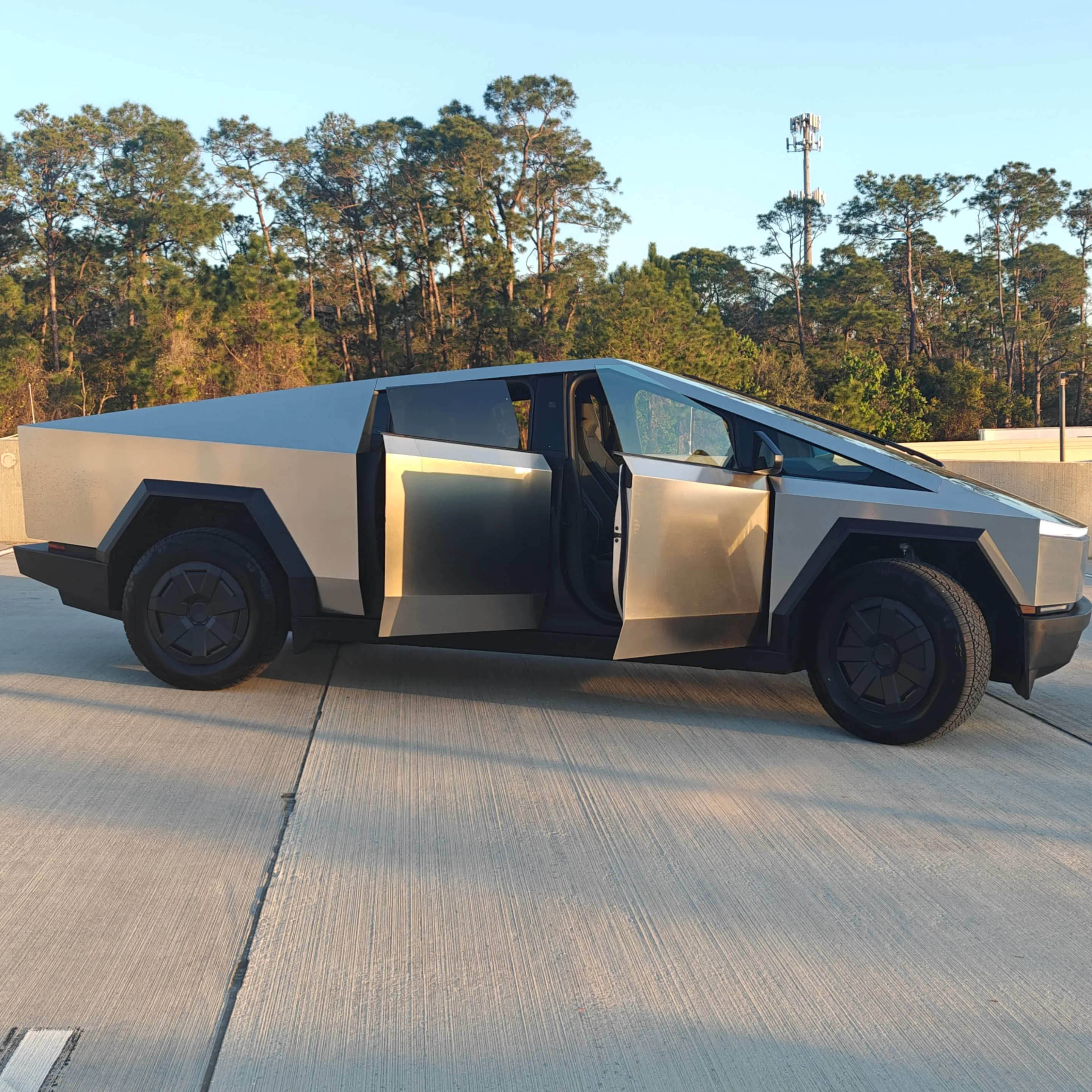
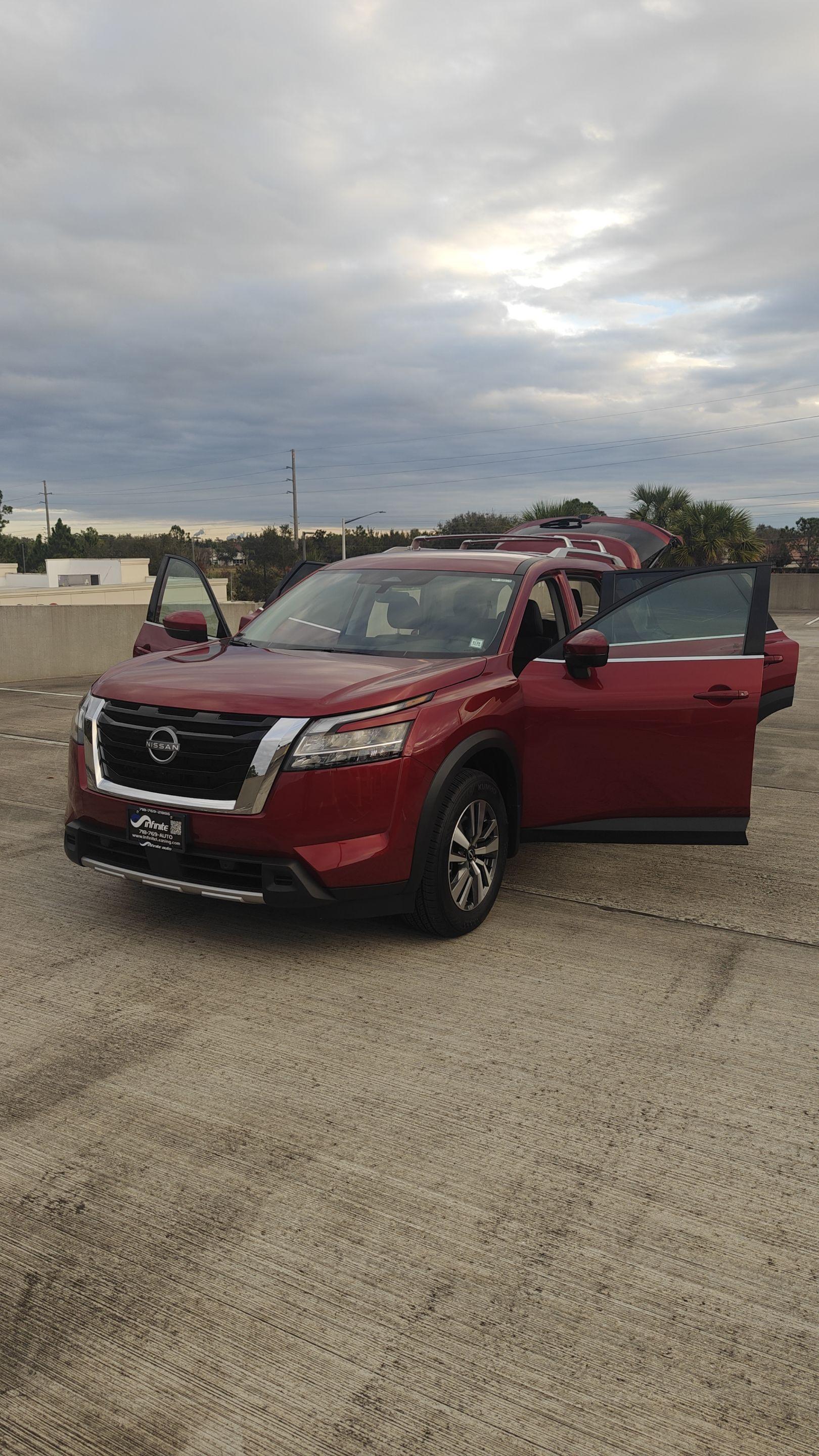
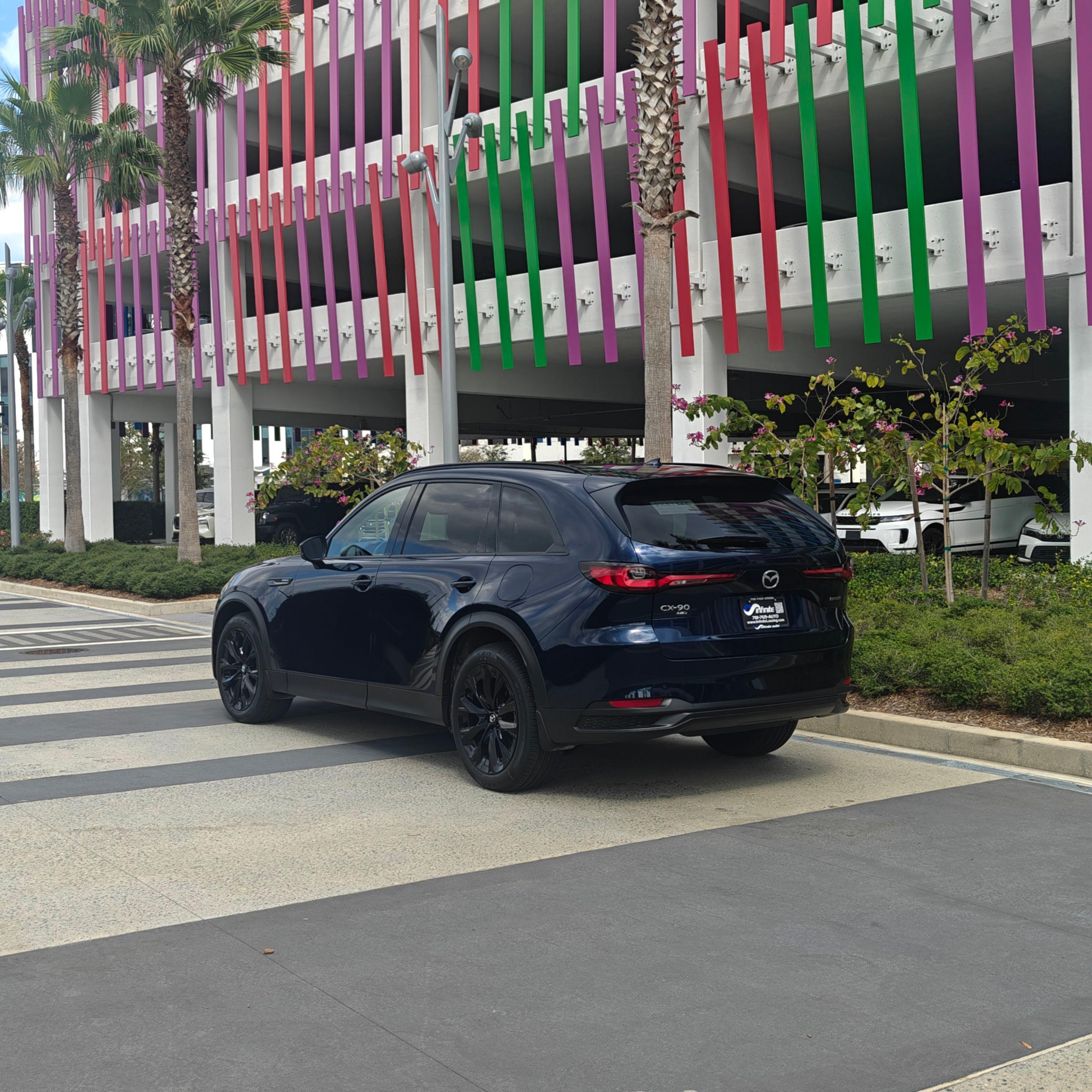
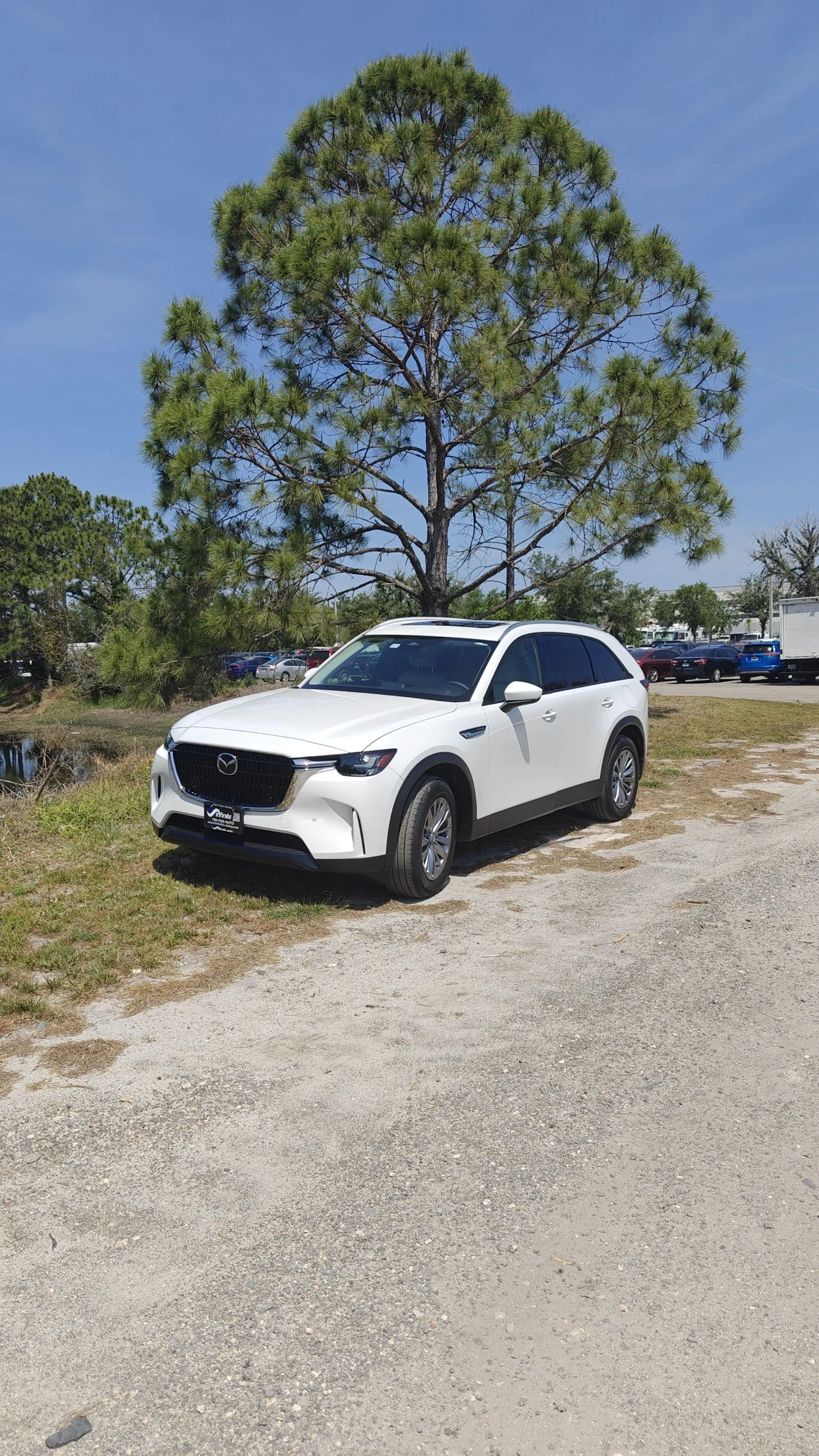
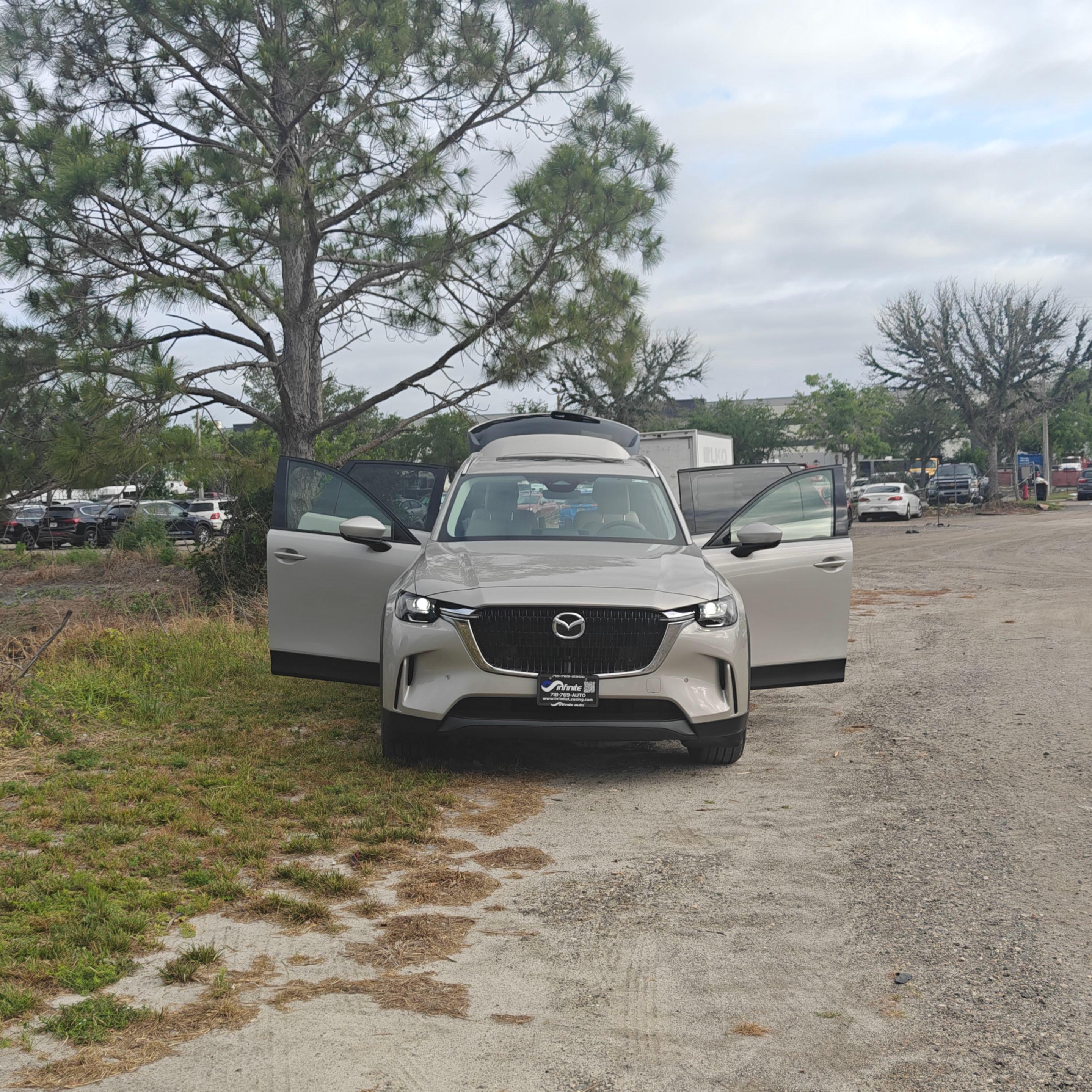
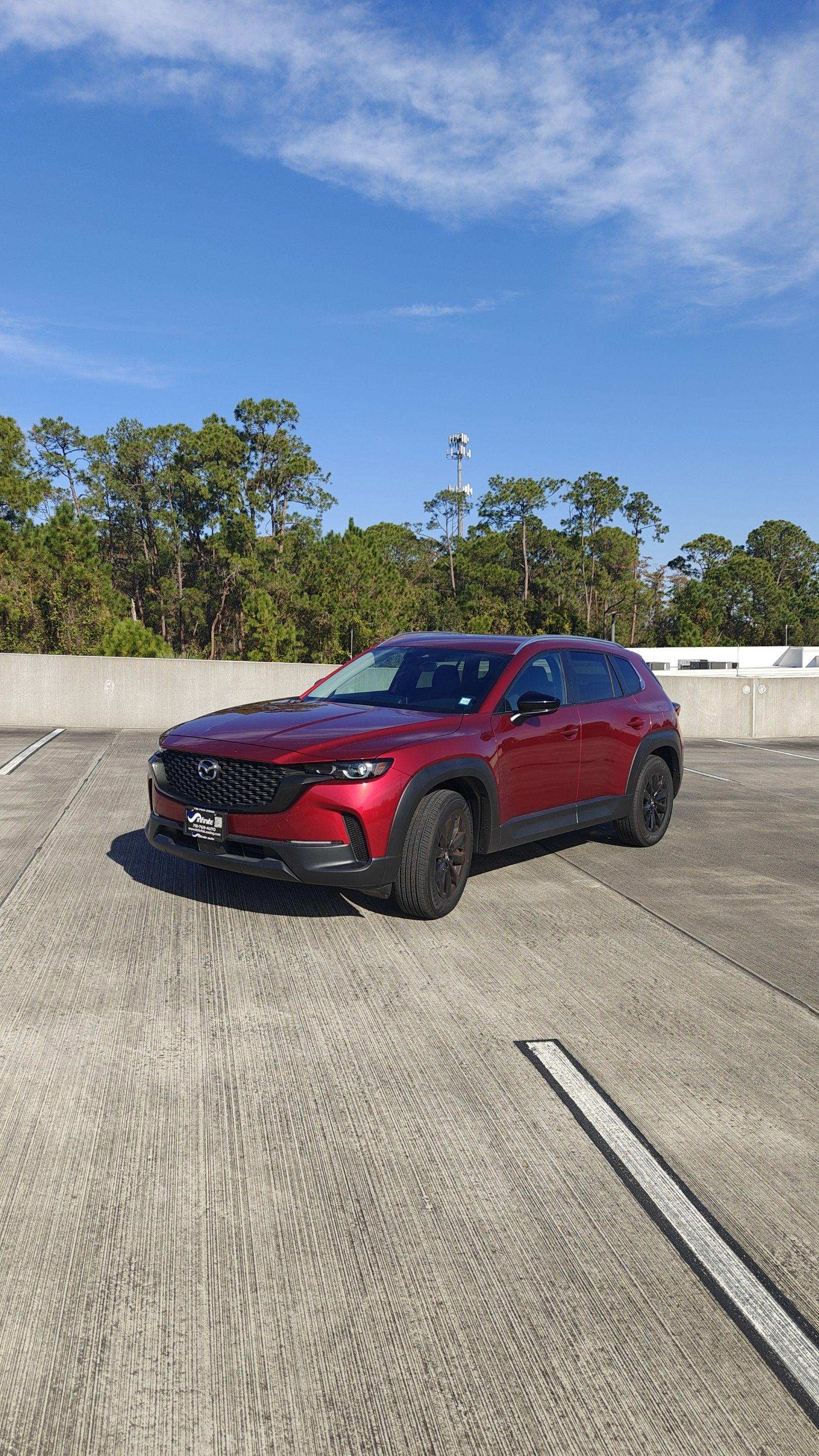
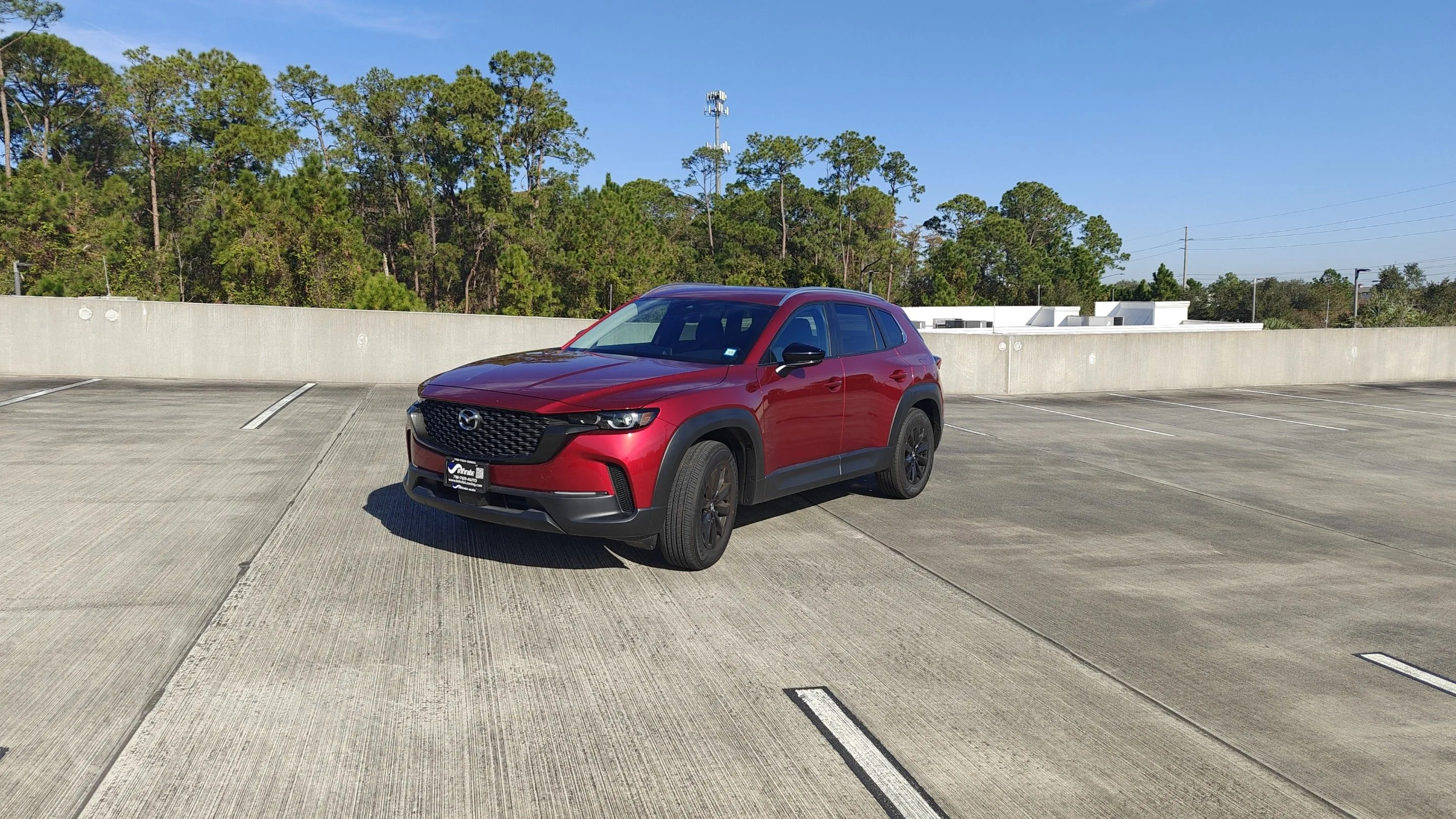
Cars from hosts on DriveIt, with pickup nearby or at the airport.



Car rental by city
Turo is a trademark of Turo Inc. DriveIt is not affiliated with, endorsed by, or sponsored by Turo.